Your account
Pay by card
Card is one of two ways to pay for AFP; cryptocurrency is the other. A card subscription renews by itself at the end of each term, which a crypto one never does. You pick a plan, enter a billing address so the tax can be worked out, authorize the card, and the subscription starts. After that, the card, downgrades, and cancellation are handled in a hosted billing portal that AFP opens for you; upgrades and add-ons stay inside AFP.
What you need first
Section titled “What you need first”- A card. AFP shows the card option only where card payment is switched on for your account; if you see no card tab, cryptocurrency is your route. See Plans and billing.
- Your billing address, including the country. It is required, not optional.
- No card subscription already running. One subscription uses one method.
How do I buy a plan by card?
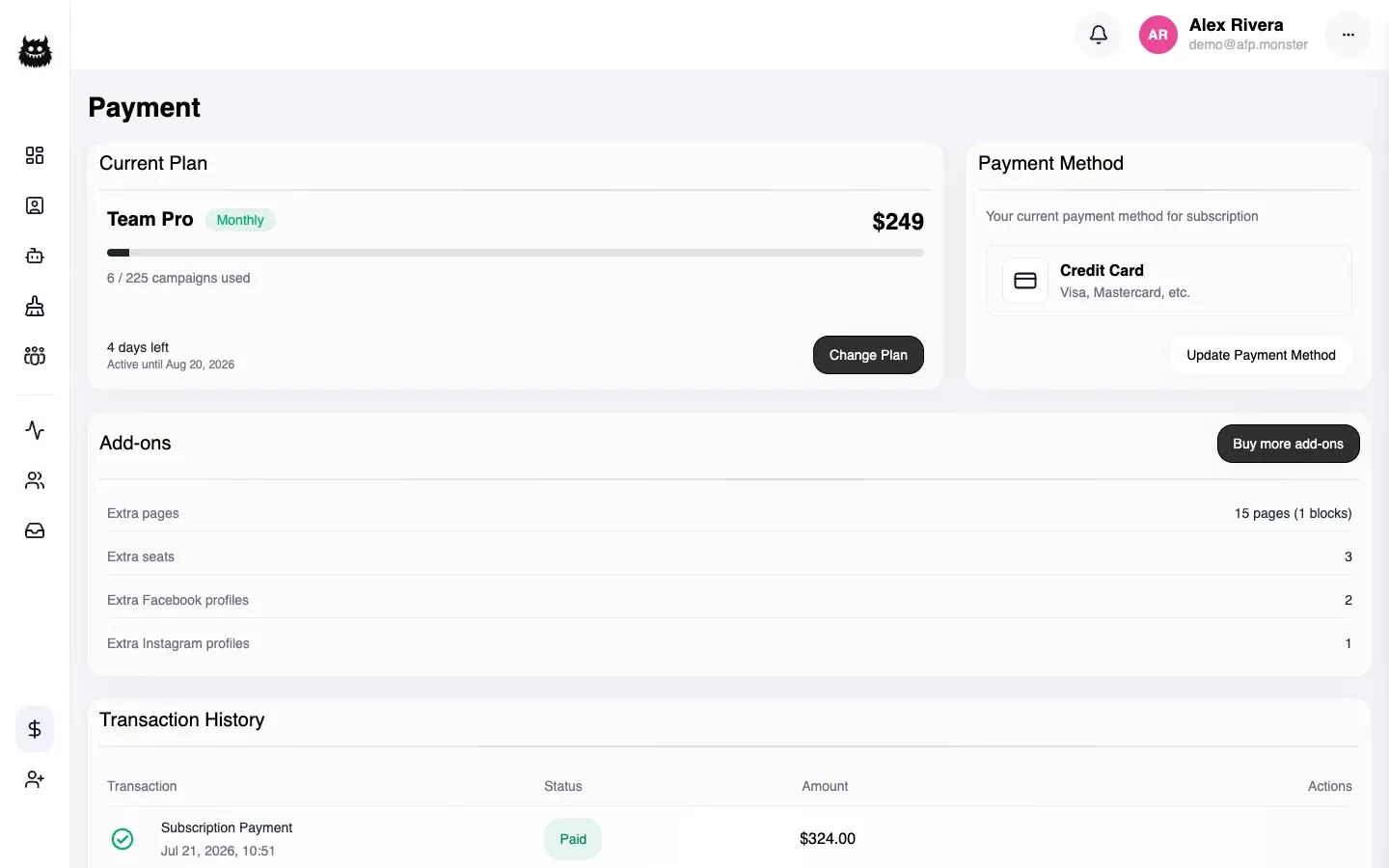
Section titled “How do I buy a plan by card?”- Open Payment → Change Plan, or View Plans.
- Pick a plan, and set any add-ons you want with it.
- Under Payment Details, choose Credit Card.
- Fill in the billing address. The total updates to include tax as you change the country.
- Authorize the card. Your bank may ask you to confirm the payment in its own app or by a code.
- The subscription starts once the authorization goes through.
The term you can buy by card is one month or twelve months. The three- and six-month terms exist on the cryptocurrency route only. Payment methods compares the two side by side.
Why does AFP ask for a billing address?
Section titled “Why does AFP ask for a billing address?”Because the address decides the tax, and the tax has to be known before your card is charged.
AFP asks the payment provider what the sale costs including tax, and authorizes exactly that amount. Authorizing a tax-free price on a taxable sale would leave the invoice short and put the subscription into a failed-payment state on day one, so the address is collected first and the total is recalculated whenever you change the country.
If you are buying as a business you can enter a VAT number. Whether that removes the tax is decided by the tax rules for your country, not by AFP.
The price you authorize is the price on the summary. AFP refuses to charge a total that could not be right for any real tax rate, so a misconfiguration fails the checkout instead of overcharging you.
Where do I change my card, plan, or cancel?
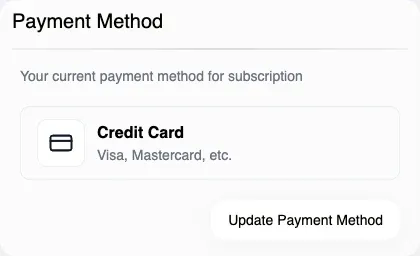
Section titled “Where do I change my card, plan, or cancel?”In the billing portal. Payment → Update Payment Method opens it, already signed in.
| Task | Where |
|---|---|
| Change the card on file | Billing portal |
| Upgrade the plan, or add seats, pages, or profiles | In AFP — see Buy extra seats, pages, and profiles |
| Downgrade the plan, or reduce add-ons | Billing portal |
| Cancel the subscription | Billing portal |
Cancelling leaves your access running until the term you have already paid for ends. It also unlinks the card, so the next period can be bought with cryptocurrency if you prefer.
A team’s Billing Manager opens the owner’s portal, not their own — billing for a team belongs to the team owner. See Team roles and permissions.
How do I get an invoice?
Section titled “How do I get an invoice?”Payment history is on the Payment page. Each card payment carries a control that opens its invoice, which opens in the browser rather than downloading.
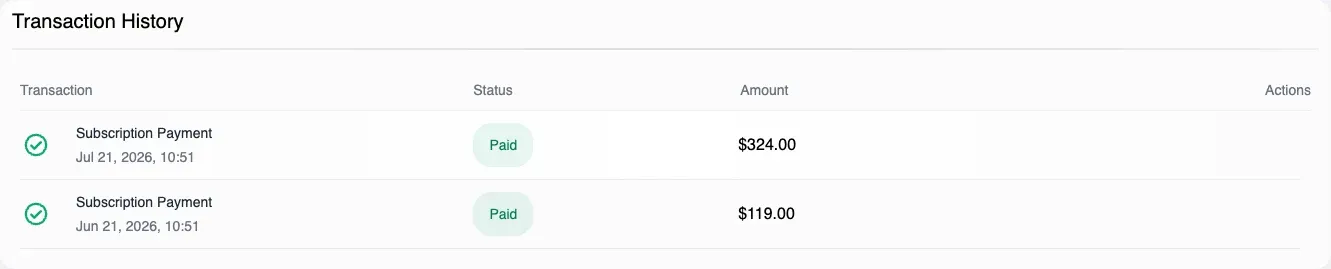
Payments made with cryptocurrency have no invoice document of this kind; the history row is the record.
Why is it not working?
Section titled “Why is it not working?”| Symptom | Cause | Fix |
|---|---|---|
| No Credit Card option appears | Card payment is not switched on for your account | Pay with cryptocurrency, or ask support to enable it |
| Checkout refuses because a card subscription is active | One subscription, one method | Change the plan in AFP, or cancel in the billing portal first |
| The total will not load | The tax could not be worked out | Check the billing country, then try again — AFP will not fall back to an untaxed price |
| The bank asked for confirmation and nothing happened after | The authorization did not complete | Start the purchase again; nothing is charged until authorization succeeds |
| A downgrade is refused inside AFP | Reductions are a portal action | Open the billing portal |
| A plan change is refused because of your usage | The target plan’s limits are below what you are using | Remove pages, profiles, or members until you are inside the new limits, then change plan |
| The portal will not open | No billing record exists for the account yet | The portal appears after the first card payment |
Related
Section titled “Related”- Payment methods — card and cryptocurrency compared.
- Buy extra seats, pages, and profiles — raising a limit without changing plan.
- Plans and billing — the plan list and payment history.
- Subscription lifecycle — renewal, expiry, and what happens when a payment fails.