Comments and inbox
Bulk-remove comments with the cleaner
The cleaner is a one-shot job that walks the posts and comments already on a connected Facebook page and hides or deletes the ones that match a keyword list, a media filter, and a date range. Configure it, start it, and the job runs in the background while a log streams into the browser. It runs once — nothing schedules a repeat — and a comment it deletes is gone from Facebook for good.
What you need first
Section titled “What you need first”- A connected Facebook page whose status is Active. See Manage connected pages.
- An active paid subscription. The default trial tier is refused, and so is a subscription that has expired.
- A keyword list holding the words you want removed. See Match comments with keyword lists.
What does a cleaner job actually do?
Section titled “What does a cleaner job actually do?”A job takes a snapshot of your settings, walks the content already on the page, and applies your chosen action to each match. Nothing is evaluated live: a comment posted after the job finishes is untouched, which is what campaigns are for.
| Setting | What it controls |
|---|---|
| Target | Comments, or the posts themselves |
| Keyword list | The words a comment’s text is matched against |
| Reverse matching | Inverts the keyword test, so comments containing none of the words match. It applies only when a keyword list is attached |
| Media filters | Narrow the match to comments carrying an image, a GIF, or a link. They behave as on a condition node and take no part in the keyword comparison |
| Action | Hide, delete, or both |
| Date range | Whole days: the start date begins at 00:00 and the end date ends at 23:59. Switching on all dates ignores the range |
| Posts to include, in posts mode | The page’s own posts, its ad posts, or both |
In comments mode the cleaner reads comments from the page’s own posts and its ad posts, so ads are covered without a second job.
Every comment it acts on is recorded in the page’s comment activity as hidden or deleted. A comment Facebook refuses to act on is recorded as an error and the job moves on to the next one.
A job runs against one Facebook page, chosen when you configure it, so cleaning two pages means two jobs.
How do I start a cleaner job?
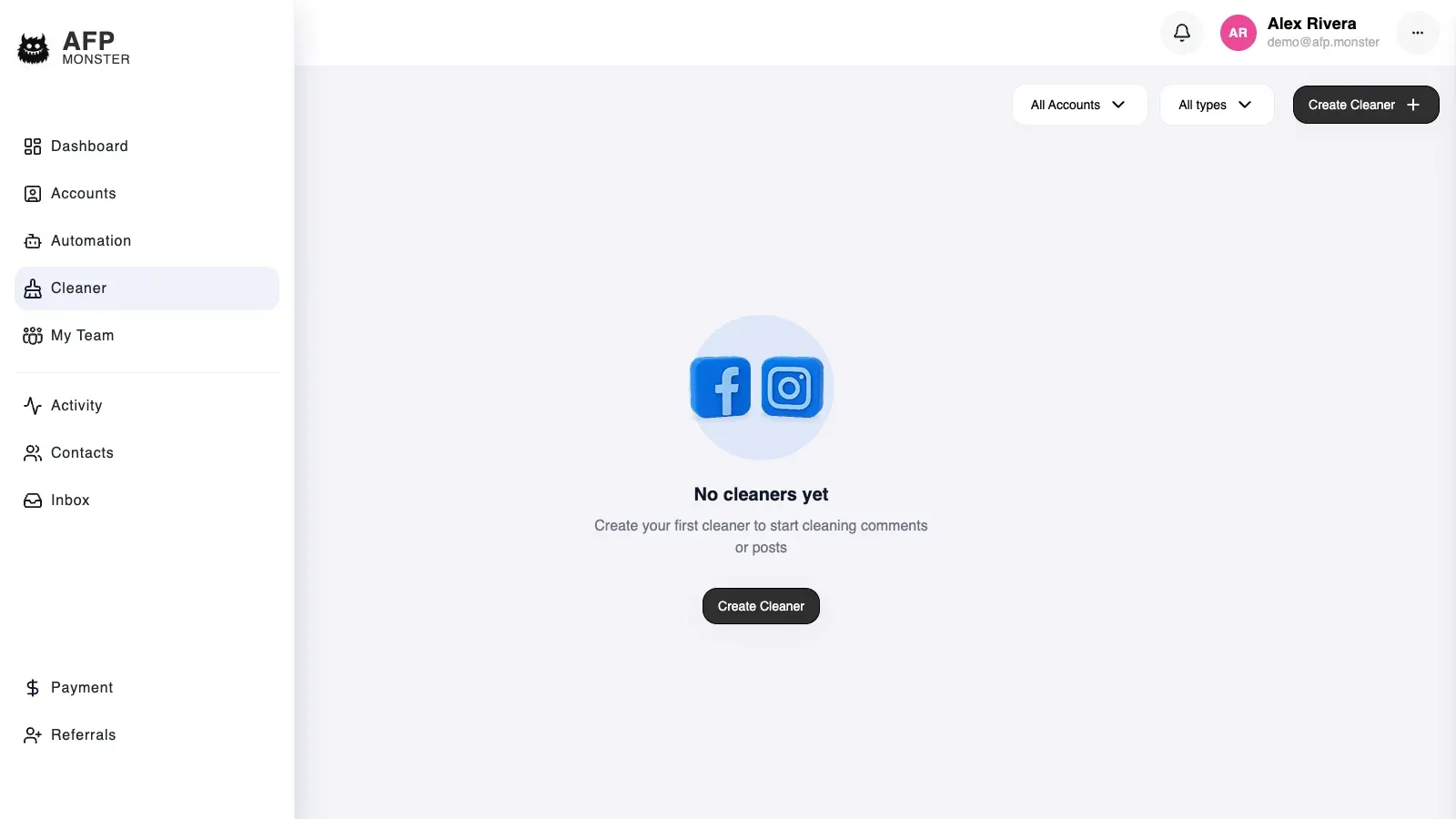
Section titled “How do I start a cleaner job?”- Open Cleaner in the dashboard and start a new job.
- Choose the connected Facebook page.
- Choose whether the job targets comments or posts.
- Attach the keyword list the job matches against, and turn on reverse matching only if you want the words to mark what you keep.
- Set any media filters.
- Choose the action: hide, delete, or both.
- Set a date range, or switch on all dates.
- Click Run.
AFP creates the job with the status Active and returns immediately, then does the work in the background. The first log line confirms the job was created — it appears in your list before the page has been walked.
How do I watch a job while it runs?
Section titled “How do I watch a job while it runs?”Two log streams arrive in the job view as the work happens.
| Stream | What it carries |
|---|---|
| Progress | The number of items found, a counter that advances through them, and a coloured final line |
| Detail | One line per comment or post, naming the action taken |
Timestamps record when the cleaner processed an item, not when the comment was posted.
The final progress line tells you how the job ended.
| Final line | Meaning |
|---|---|
| Cleaner is finished | The job walked every item and completed |
| Cleaner is stopped | You stopped it, and it halted at its next item |
| No comments matched the criteria | Items were found, none matched your keywords and filters |
| The cleaner did not find comments or posts on your page | The page returned nothing to walk in the range you chose |
How do I stop a job that is removing too much?
Section titled “How do I stop a job that is removing too much?”Click Stop on the running job. AFP marks it stopped, and the job checks that status before each item, so it halts within a few items rather than instantly.
An action already sent to Facebook is not called back: comments hidden or deleted in that last moment stay that way.
Stopping is final. A stopped job cannot be resumed — configure a new one with a narrower keyword list or date range.
How do I read the log of a finished job?
Section titled “How do I read the log of a finished job?”Open the job from the cleaner list. Both log streams are saved to the job as it runs, so the view replays them in full — including for a job still running when you open it.
The list is paginated, newest first, and filters by target type and by page. It holds the jobs you started, not jobs started by anyone else who shares access to the account.
There is no aggregate report across jobs. Per-job logs and the page’s comment activity are the two records of what was removed.
Can I undo a cleaner job?
Section titled “Can I undo a cleaner job?”No. The cleaner has no undo, and the two actions differ in how final they are.
| Action | What happens on Facebook | Reversible |
|---|---|---|
| Hide | The comment leaves the public thread and is recorded as hidden | Not from the cleaner, which has no unhide action. Moderate comments covers the unhide action on a single comment |
| Delete | The comment is removed from the post | No — not by the cleaner, and not on the platform |
Why did my cleaner job do nothing?
Section titled “Why did my cleaner job do nothing?”| Symptom | Cause | Fix |
|---|---|---|
| Starting the job is refused for the plan | The cleaner needs a paid subscription; the default trial tier cannot run jobs | Move to a paid plan, then start the job |
| Starting the job is refused for the subscription | The subscription is missing or expired | Renew the subscription |
| The job reports that nothing matched | Keywords, media filters, or the date range excluded every comment found | Widen the date range, or check the keyword list holds the words people actually use |
| The job reports it found no comments or posts | The page had no content in that range, or the target was posts when you meant comments | Switch on all dates, confirm the target, and re-run |
| The job stays Active with no final line and no new detail lines | The page’s stored access is missing or no longer works, and the job is not retried | Check the page on Accounts and re-authorise it, then start a new job |
| Far more comments were removed than expected | No keyword list was attached, so every comment matched | Stop the job, attach a keyword list, and re-run |
| Comments you expected to keep were removed | Reverse matching was on, which inverts the test | Turn reverse matching off |
| The detail log records errors instead of actions | Facebook refused the action on those comments | Confirm the page is active and the comments still exist |
Related
Section titled “Related”- Moderate comments — the activity feed that records what a job removed, one row per comment.
- Manage connected pages — page status, and how to re-authorise access.
- Match comments with keyword lists — build the list a job matches against.
- Keyword matching rules — how text and media filters are compared.
- Route comments to a DM — hide or delete new comments as they arrive, instead of retroactively.
- Read the dashboard — what the moderation figures on the dashboard count.