Comments and inbox
Handle conversations in the inbox
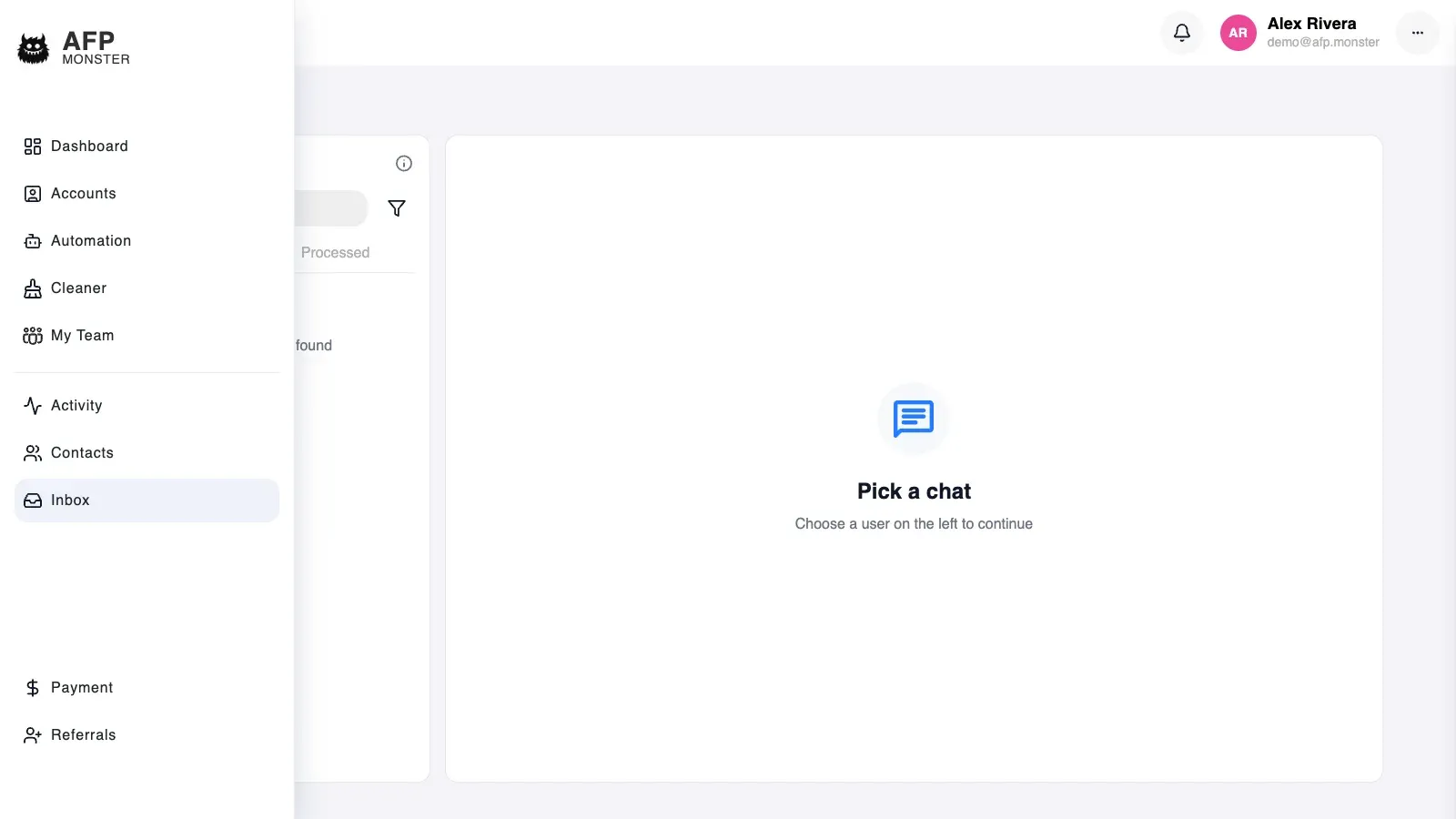
Inbox collects the Facebook and Instagram conversations of every connected page into one list, newest activity first. Open a conversation to read its recent messages, then reply with text, an image, or a set of attachments, react to a single message, mark the thread seen, add internal notes, flag it processed, or block the person. AFP reads the messages from Facebook and Instagram each time the list loads.
What you need first
Section titled “What you need first”- A connected page AFP still has working access for. A page whose stored access no longer works is skipped: it contributes no conversations, and the rest of the list still loads. See Connect a page.
- Conversations that already exist. The inbox works from threads people started with your page, on Messenger or on Instagram.
What does the inbox show?
Section titled “What does the inbox show?”One list, sorted by latest activity, holding conversations from every connected page and both platforms at once. Each page and platform is fetched separately and merged, so scrolling loads the next batch for each of them rather than one long run of a single page.
| What a row shows | Where it comes from |
|---|---|
| The other participant | The Facebook or Instagram identity on the other side of the conversation |
| Page and platform | The connected page the conversation belongs to, and whether it arrived on Messenger or on Instagram |
| Latest message and its time | The newest message in the thread; the list sorts on this time |
| Message count | How many messages the thread holds, as the platform reports it |
| Unread marker | AFP’s own seen state, not the platform’s unread count |
| Tags | The tags on that person’s contact record. See Segment contacts with tags |
| Processed flag | Whether someone on your side has marked the conversation done |
| Note count | How many internal notes the conversation carries |
Two filters narrow the list and they combine: one page instead of all of them, and processed or unprocessed conversations only.
A contact card and a comment activity row both carry an Open in Inbox action that goes straight to the matching conversation on a page you own, without scrolling the list. See Work with contacts and Moderate comments.
AFP keeps three things of its own about a conversation: when you last opened it, the processed flag, and the notes. The messages themselves are read from Facebook and Instagram at the moment the list loads, so a message that arrives while you are looking at the list shows up when you load the list again or reopen the conversation.
Opening a conversation loads its 50 most recent messages, with text, attachments, stickers, shares, replies, and who sent each one. No control fetches older messages, so a long history is read on Facebook or Instagram itself.
How do I reply to a conversation?
Section titled “How do I reply to a conversation?”- Open Inbox and set the page filter if you manage more than one page.
- Click the conversation. Its recent messages load, and the thread is marked seen.
- Type your reply, and attach an image or a set of files if you need to.
- Send. The reply goes out through Facebook or Instagram immediately and lands in that person’s Messenger or Instagram inbox.
A reply has to carry something: text, one image, or a set of attachments. Sending an empty composer is refused. A set of attachments goes out as a single send and can carry your text along with it.
When Facebook or Instagram refuses the send, AFP shows the message the platform returned, such as (#551) This person isn't available right now., and raises an error notification for that recipient. Repeated failures to the same person collapse into one notification rather than filling the list. See Notifications.
Text typed alongside a single image is not sent with that image.
How do I answer the same question faster?
Section titled “How do I answer the same question faster?”Save the answer as a quick reply. Type its shortcut in the composer and the message is filled in for you, already carrying the contact’s name, the page name, and your own where you asked for them.
Quick replies belong to the workspace, so a team shares one set and a shortcut means the same thing to everybody. Applying one fills the composer; you still read it and send it yourself.
How do I react to a message or mark it seen?
Section titled “How do I react to a message or mark it seen?”Reactions apply to one message rather than to the thread, and the person sees them on Facebook or Instagram: Like, Love, Haha, Wow, Sad, or Angry.
Marking seen does two independent things. It sends the seen receipt to the person through Facebook or Instagram, and it records the time on your side, which is what clears the unread marker in the list. Because the two legs are independent, a refused receipt still clears your marker, and a failure to record the time still sends the receipt.
The unread marker is a flag, not a count: a conversation reads as unread whenever its latest activity is newer than the last time you opened it here, and as read otherwise. Opening a conversation marks it seen; you can also mark it seen from the conversation without waiting for that.
How do my team and I track which conversations are handled?
Section titled “How do my team and I track which conversations are handled?”The processed flag plus internal notes turn the list into a shared queue.
- Filter the list to unprocessed conversations.
- Open the oldest one and reply.
- Add a note recording what you promised, so whoever picks the thread up next does not repeat it.
- Toggle the conversation to processed. It leaves the unprocessed filter straight away.
- Switch the filter to processed when you want to audit what was answered.
Notes stay inside AFP. They are never sent to the person, each one records the time it was written, and the count appears on the conversation row, so a thread with history is visible before you open it. A note can be added and deleted but not edited, so correcting one means deleting it and writing a new one.
Tags add the second dimension: the processed flag says whether this conversation is done, and the tags on the contact say who the person is. Campaigns can apply tags automatically with an Add tag node — see Segment contacts with tags.
How do I block someone from the inbox?
Section titled “How do I block someone from the inbox?”Blocking is a page-level block, taken from the conversation’s menu with Block user, and it stops the person from sending that page direct messages and from commenting on its posts. It removes nothing: past messages stay in the conversation, past comments stay on your posts, and the thread stays in the inbox. Unblock user in the same menu lifts it.
The same page block list backs the block action on comment rows, so a person blocked here is blocked for comments too. Moderate comments covers the comment side, including the fact that Instagram comments have no block action.
Why is a conversation or message missing?
Section titled “Why is a conversation or message missing?”| Symptom | Cause | Fix |
|---|---|---|
| One page’s conversations are absent, the rest of the list is fine | AFP no longer has working access for that page, so the page is skipped | Re-authorise the profile that owns the page. See Connect a page |
| A message someone just sent is not there | The messages are read from the platform when the list loads, and the list does not update itself | Load the conversation list again, or reopen the conversation |
| The list is empty although pages are connected | No conversations exist yet for the page you filtered to, or the processed filter is hiding them | Clear the page and processed filters |
| A reply is refused with a message from Facebook or Instagram | The platform declined the send — for example the person is not reachable right now | Read the returned message, fix what it names, and send again |
| Older messages cannot be loaded | A conversation opens on its 50 most recent messages and has no control for older ones | Read the older history on Facebook or Instagram |
| A conversation is unread again after you answered it | A newer message arrived after the last time you opened it | Open it again; the marker clears on the seen record |
| The inbox conversation count looks low | That count stops at 100 for each page and platform | Treat it as a lower bound and work from the list itself |
| A note a colleague added is gone | The notes of one conversation are saved as a single list, so two notes written at the same moment can collide | Load the conversation again and add the missing note |
| Open in Inbox shows nothing | The action needs a page you own and a conversation that still exists on the platform | Find the thread in the list with the page filter set |
| A blocked person is still in the list | Blocking stops new messages and comments; it deletes nothing | Nothing to fix — the thread stays for reference |
Related
Section titled “Related”- Moderate comments — the public side of the same conversations, and where the inbox conversation count appears.
- Work with contacts — the record behind the person in a conversation.
- Segment contacts with tags — the labels that show on conversation rows.
- Route comments to a DM — the campaign that starts conversations for you to handle here.